Lighting and Framing Without Showing Your Face: A Low-Budget Broadcast Setup for Hosts
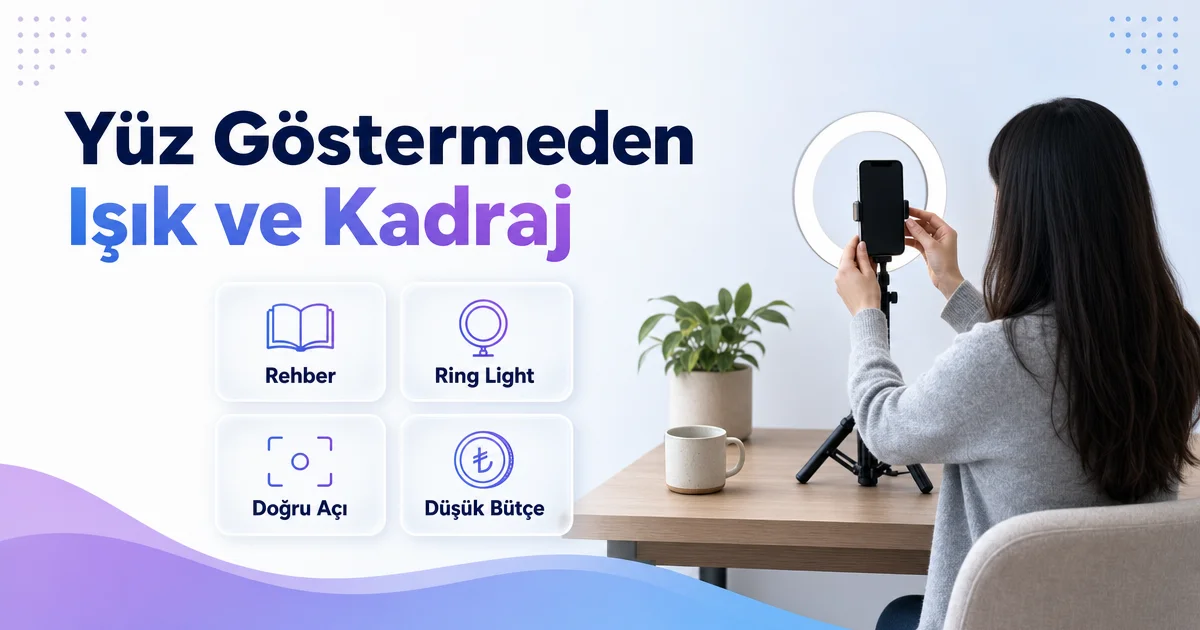
Camera on, but you would rather not show your face? A guide to lighting and framing without showing your face: a low-budget broadcast setup with a phone, a simple lamp and the right angle, four angles that keep your face out of frame, plus a background and privacy checklist.
In video chat hosting the rule is clear: the camera must be on, but showing your face is not required. This article is the practice of exactly that rule — we explain how to set up lighting and framing that keep the picture from looking dark, blurry or cold while your face stays out of frame, without buying expensive equipment. A phone, a holder and a lamp are usually enough.
The Rule First: Camera On, Face Not Required
There is no such option as "camera-free work"; do not trust listings that promise it. The system requires the camera to be on, because viewers want to see there is a real person in front of them. But that does not mean you have to show your face. A shoulder-level frame, a side angle, a frame showing your hands and your desk, or a picture partly covered by hair and accessories is fully within the rules.
More hosts choose this setup than you might think; for women who live in a small city or do not want their surroundings to know, it is the standard. Our guide to broadcasting without showing your face explains the general frame of privacy; this article focuses on the technical side, namely lighting and framing. The aim is a picture that looks warm, tidy and trustworthy even when the face is not visible.
What Is This Job?
This is home-based, online, video (camera-on) social chat hosting. On a safe, moderated platform you chat with viewers about everyday topics. The camera must be on, but showing your face is never mandatory — framing and camera angle protect your privacy. Hosts are women aged 18 and over.
Earnings are not a fixed salary: they come from the gifts and coins viewers send, depending on active time and pace, and they are not guaranteed. This is not data entry, home packaging, secretarial work, a call centre or a text-only chat job. Working hours are flexible; the host sets her own schedule. Applying is free; no registration fee, equipment money or training fee is requested. The setup in this article is simple enough for a new host to apply from her very first day.
Low-Budget Equipment List
No expensive camera, professional lighting or green screen is needed. What you need to start broadcasting:
- A smartphone with a camera: Mid-range phones from the last few years are more than enough.
- A phone holder or mini tripod: A hand-held phone shakes; a fixed holder instantly makes the picture look tidy.
- A light source: A small ring light is ideal; if you do not have one, a desk lamp and a white A4 sheet as a reflector do the job.
- Headphones: They prevent echo and sharpen the sound; even wired earphones are enough.
- Stable internet: Wi-Fi or a cable connection where possible; a speed test before going live.
- A neutral background: A plain wall, a curtain or an inexpensive piece of fabric.
Everything on this list, except the phone, can be obtained on a low budget. Before expanding the equipment list, we recommend opening a few broadcasts and seeing what you really need; most hosts carry on for months with just a phone, a holder and a lamp.
Lighting: Window, Desk Lamp, Ring Light
The rule of lighting is simple: the light source should be behind or beside the camera, never behind you. A window behind you turns you into a silhouette; a window in front of you gives the most beautiful lighting in daylight. For daytime broadcasts, sitting facing the window is enough.
For evening broadcasts, place the desk lamp right next to the camera, slightly above and pointed at you; to soften harsh shadows you can put baking paper or a white cloth in front of the lamp. If you use a ring light, place the phone in its centre and keep the light on the softest setting. In frames that do not show the face, the target of the light is your hands, your shoulder and your background: if these are bright, the picture looks lively and trustworthy. Warm (yellowish) light suits a home setting better; cold white light gives an office feel.
Framing: 4 Angles That Keep Your Face Out
- Shoulder-to-chest frame: Place the phone at chest height so the frame starts below the chin. Hands and the upper part of your clothing are visible, the face is not.
- Side profile: Put the camera 90 degrees to the side; your hair and shoulder are visible, facial features stay out of frame.
- Desk angle: Set the phone slightly above, looking down at the desk; your hands, your tea, your notebook are visible. It gives a natural picture of someone doing something while chatting.
- Partial cover: Hair, a hat or an accessory close to the camera naturally covers part of the face; it does not look forced.
After setting up the frame, check the phone once more: does your face enter the frame when you stand up or lean forward? Knowing your range of movement in advance is the safest method. To relax in front of the camera, also have a look at our tips for confidence in front of the camera.
Background and Sound
The background is the most neglected part of privacy. The view through the window, a photo on the wall, a bill on the desk or a sign can give away where you live. A plain wall, a closed curtain or a neutral fabric both protects privacy and keeps the picture clean. A cluttered background distracts viewers; keep it simple.
Sound is at least as important as the picture. The television should be off, the window closed, the phone on silent. A headset microphone usually gives clearer sound than the phone's own microphone. When the face is not visible, viewers recognise you by your voice; that is why a clear, warm voice matters as much as the frame. If you find it hard to keep a conversation alive, our topic bank on what to talk about on air is a ready-made start.
The 15-Minute Pre-Broadcast Checklist
- Is the phone charging and fixed in the holder?
- Is the light beside the camera, with no window behind me?
- Frame checked; does my face stay out when I move?
- No address, name or scenery clues in the background?
- Internet speed test done, other devices off?
- Headphones in, sound tested?
- Water, conversation topic list and platform panel ready?
You will know this list by heart after a few broadcasts; keeping it written down during the first weeks prevents mistakes. Our listing for women who value privacy describes the same setup from the job side.
Frequently Asked Questions
Will viewers chat with me if I do not show my face?
Yes. Viewers want to see that there is a real person in front of them; hands, a shoulder and a natural setting provide that. The quality of the conversation depends far more on the sincerity of your voice and attention than on your face.
Is a ring light a must?
No. A spot by the window in the daytime and a desk lamp next to the camera in the evening are enough. A ring light adds convenience, it is not a requirement.
The phone's front camera or rear camera?
The front camera lets you see the frame and is ideal for starting out. The rear camera gives a sharper picture, but checking the frame becomes harder.
Is blurring the background enough for privacy?
It helps but is not enough on its own. Even a blurred background can give away window light and distinctive objects; a plain wall or a curtain is safer.